Collaboration Tools for Construction Projects play a crucial role in keeping teams aligned when multiple contractors, changing designs, and tight deadlines are involved. Without a centralized system, information often becomes scattered across calls, emails, and outdated printouts, which increases the risk of errors and delays. By bringing drawings, schedules, RFIs, and approvals into a single platform, these tools ensure that everyone works with the latest information and can respond quickly to on‑site changes. Project managers gain real-time visibility, field teams reduce rework, and owners experience more transparent progress tracking. Companies like OPM have consistently shown that structured digital collaboration minimizes disputes, improves documentation, and helps teams stay focused on problem-solving instead of searching for missing details. As a result, these solutions have become essential for delivering modern construction projects on time and with higher quality.
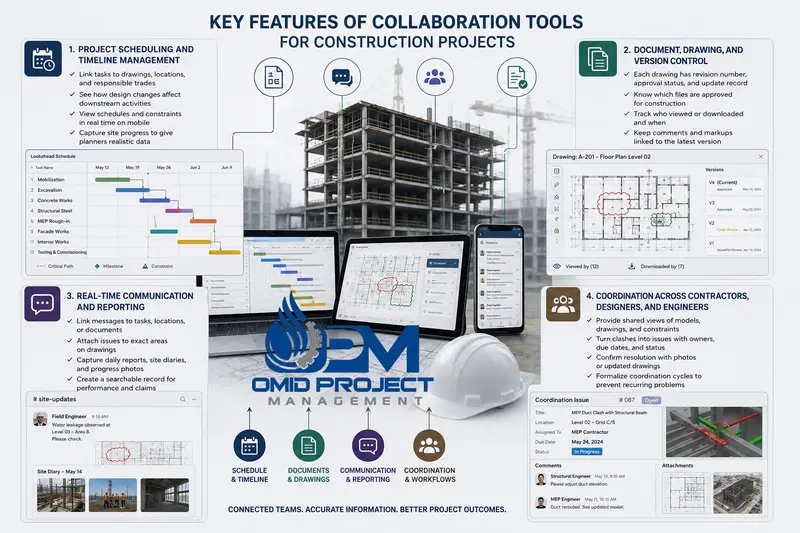
In construction, schedules are more than Gantt charts; they represent access to work fronts, crane time, and shared resources. Collaboration tools with scheduling features link tasks to specific drawings, locations, and responsible trades, so any design change clearly shows which downstream activities are affected. This makes resequencing discussions faster and more fact‑based.
Field teams work better when the schedule is available in a simple, visual format on mobile devices. Instead of static PDFs, supervisors can see upcoming tasks, predecessors, and constraints in real time. Construction Collaboration Tools also capture progress updates directly from the site, giving planners realistic data. OPM has used integrated scheduling modules to spot early warning signs of delay and agree on recovery plans before problems become visible to the client.
Uncontrolled drawings often cause costly rework in construction projects. When teams share files by email, workers may use outdated information without realizing it. Collaboration tools solve this problem with clear version control. Each drawing includes a revision number, approval status, and record of updates. Teams can quickly confirm which files are approved for construction and which are still under review.
Effective Construction Collaboration Software also tracks who viewed or downloaded each drawing and when. This improves accountability and helps during disputes. Comments and markups stay connected to the latest version, not scattered across separate files. OPM has used these workflows to make sure revised drawings are reviewed, approved, and released correctly before work begins.
Real-time communication features such as chat, mentions, and push notifications ensure that critical information reaches the right people quickly. However, unlike consumer messaging apps, these platforms link conversations to specific tasks, locations, or documents. When a field engineer reports a safety issue, the message can be attached to the exact area on a drawing. This avoids confusion about where the problem occurred and what it affects.
Daily reports, site diaries, and progress photos can be captured directly inside the platform. Over time, this creates a detailed record of what happened on each day of the project, which supports both performance analysis and claims management. OPM encourages teams to replace informal messaging with structured communication inside the collaboration platform, so that decisions are searchable and linked to project data rather than disappearing in personal devices.
Coordination in construction is not only about meeting schedules; it is about aligning interpretations of the design. Each contractor views the project through the lens of their discipline, and misalignment appears as clashes, access conflicts, or scope gaps. Collaboration Tools for Construction Projects support coordination by providing shared views of models, drawings, and constraints, and by embedding coordination meetings into a clear workflow.
For example, clashes identified in a BIM model can be turned into coordination issues assigned to specific contractors with due dates and status tracking. Site engineers can confirm resolution with photos or updated drawings. Designers receive structured feedback from the site instead of general complaints. OPM uses Construction Collaboration Tools to formalize coordination cycles, ensuring that recurring problems, such as late access for MEP works, are not just discussed but logged, analyzed, and addressed in future phases.
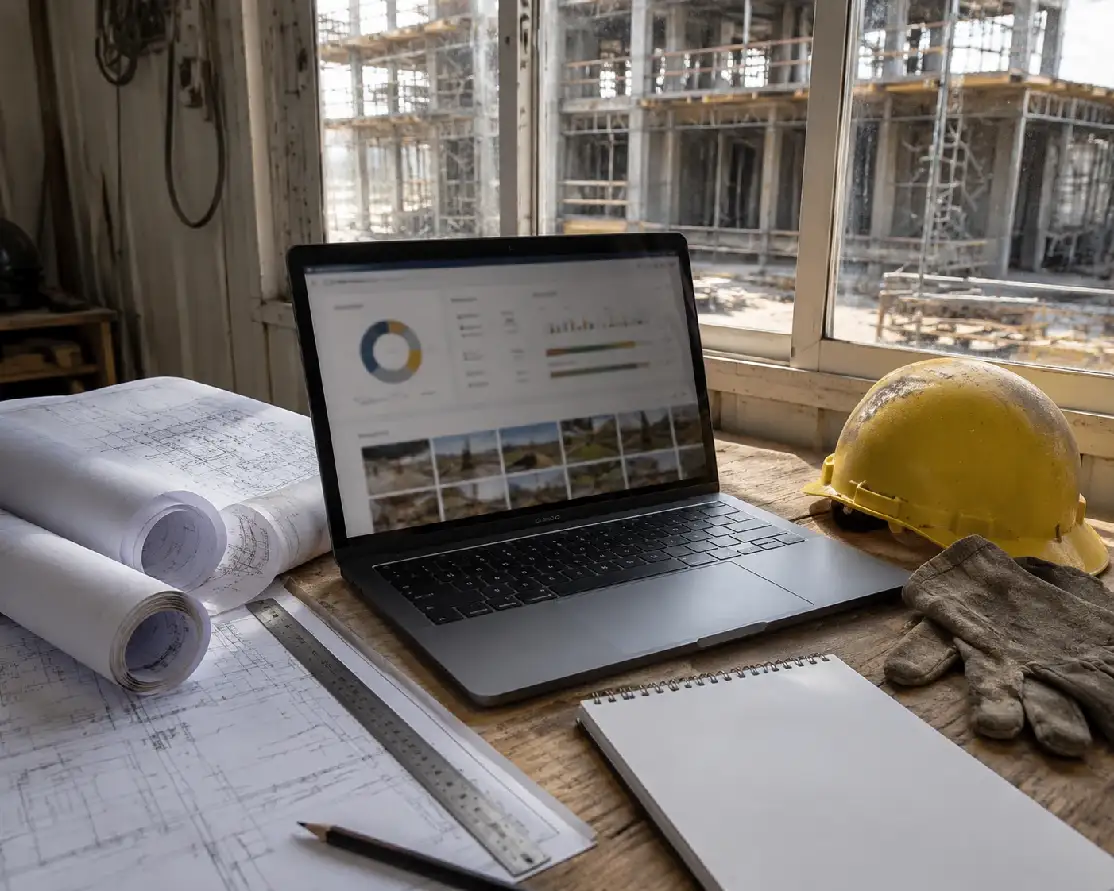
Procore improves construction coordination by connecting field information with office workflows. As one of the leading Collaboration Tools for Construction Projects, it allows site engineers to use mobile apps to record observations, attach photos, and update punch lists directly from the jobsite. These updates appear instantly in dashboards used by project managers, allowing them to filter issues by trade, location, or priority. This quick visibility helps teams respond to problems faster and assign responsibility without delays.
Procore also manages RFIs and submittals through clear, structured workflows. Each request follows a defined path from the sender to reviewers and back to the field team. Automatic reminders, deadlines, and status indicators help ensure that open items are tracked and resolved on time. As a result, coordination meetings become more efficient because teams can focus on solving remaining issues rather than searching for missing information.
Procore also supports financial control by connecting project progress with cost management tools, making it one of the effective Collaboration Tools for Construction Projects. When design changes or site instructions create potential cost impacts, teams can record them as change events in the system. These events can then develop into formal change orders with clear documentation, approval steps, and communication history.
Because all cost information is stored in one place, project teams can quickly see how changes affect the project budget. Managers can track commitments, monitor spending, and review forecasts without switching between different systems. This visibility helps teams make better financial decisions during construction. By linking collaboration tools with cost control, Procore improves transparency, reduces misunderstandings, and keeps stakeholders informed about both technical progress and budget performance.
Autodesk Construction Cloud helps teams connect virtual models with real construction activities. Issues discovered during model coordination can be assigned to specific trades, with clear references to locations and building elements. These issues are then visible in field applications, allowing site teams to review affected components in 3D directly on mobile devices.
This connection improves understanding of complex areas before installation begins. Teams can review congested spaces, verify sequences of work, and plan access more effectively. When field adjustments are required, updated conditions can be documented and linked back to the model. By using modern Collaboration Tools for Construction Projects, this process helps keep project documentation aligned with actual site conditions and supports better coordination between design and construction teams.
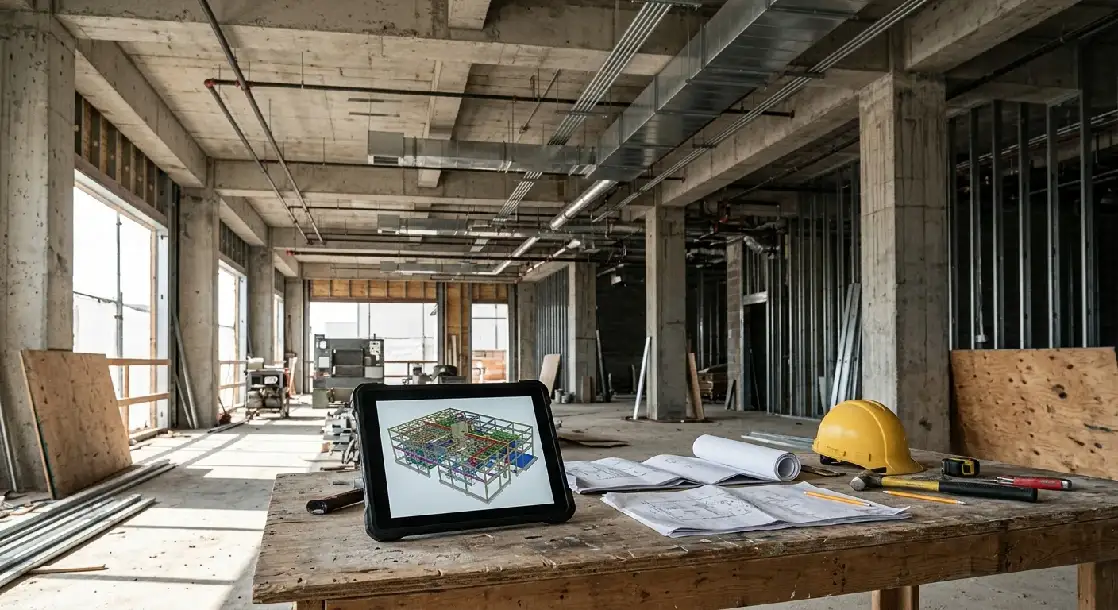
Autodesk Construction Cloud also provides centralized control of drawings and design revisions, positioning it as an effective Construction Collaboration Software. Published drawings are connected to their source models, making it easier to track updates and revisions. Teams can compare different versions of the same drawing or model view to quickly identify what has changed.
The platform supports structured approval and distribution processes for design updates. Once drawings are approved for construction, they can be automatically shared with the relevant teams. Older versions remain archived but clearly marked to prevent accidental use. This organized approach reduces confusion on site and helps ensure that teams are always working with the most current project information.
One of PlanGrid’s strongest features is dependable offline access. Construction sites often include basements, remote areas, or partially completed structures where connectivity is limited. Teams can sync drawings when online and continue working offline without disruption. Users can zoom into details, add markups, and create notes, with all updates syncing automatically once they reconnect. This design ensures that critical information remains available exactly where it is needed.
PlanGrid supports structured daily reporting by capturing manpower, equipment, activities, weather conditions, and notable events directly on mobile devices. Supervisors can attach photos and link entries to specific drawings or locations. Issue tracking follows the same organized approach: problems are documented with annotations on relevant sheets, and responsibilities and due dates are clearly assigned. This ensures that issues are recorded, communicated, and followed until resolution.
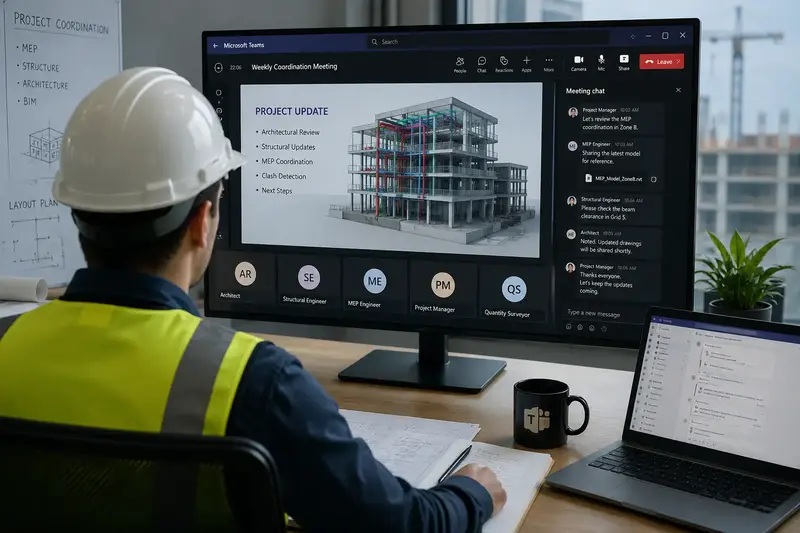
Microsoft Teams helps construction teams hold coordination meetings with participants from different companies and locations. It supports audio, video, chat, and screen sharing in one platform, making communication faster and more organized. As one of the practical Construction Collaboration Tools, this is especially useful during early design stages or when urgent decisions are needed to prevent delays on site.
Project teams can create separate channels for each project, discipline, or work package. Meeting agendas, shared screens, notes, and recordings remain stored in the same space, so participants can review decisions later. This improves transparency and reduces confusion caused by scattered emails or missing meeting records. As part of modern Collaboration Tools for Construction Projects, Microsoft Teams supports faster discussion, clearer communication, and better follow‑up across all involved teams.
Microsoft Teams also supports real-time document collaboration. Team members can work on meeting minutes, method statements, risk assessments, and other project documents at the same time. Changes appear instantly, which makes reviews faster and reduces delays in document preparation.
The platform also keeps version history, so previous edits remain available when needed. This is useful when several stakeholders contribute to the same file and document accuracy is important. Teams can discuss, review, and update content during live calls without switching between multiple tools. As a result, Microsoft Teams improves communication, speeds up document workflows, and helps project teams stay aligned throughout the construction process as a practical Construction Collaboration Software.
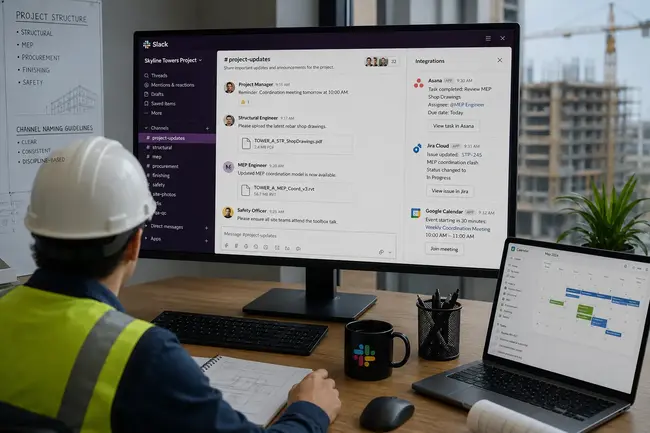
Slack allows teams to create dedicated channels that reflect the project structure, making it a valuable part of modern Collaboration Tools for Construction Projects. Separate channels can be set up for structural works, MEP, procurement, finishing, or safety. Each channel contains focused discussions, shared files, and key decisions related to that discipline.
This structured approach reduces unnecessary messages and ensures team members only receive relevant information. Clear naming conventions and short channel descriptions help maintain order as projects grow in size and complexity. As a result, Slack supports organized communication and better accountability within construction teams.
Slack integrates with various task management and scheduling systems. Notifications from tools such as Asana, Jira, or spreadsheet-based trackers can automatically appear in selected channels. For example, when a deadline changes or a new issue is created, the responsible team receives an instant alert.
These integrations reduce manual status updates and keep communication aligned with real project data. Core information remains stored in dedicated project systems, while Slack delivers timely notifications. This combination improves transparency and keeps teams informed without duplicating records.
Effective use of Collaboration Tools for Construction Projects depends on how well they fit into project structures, contracts, and behaviors. Technology provides capabilities, but organizations must design processes that leverage those capabilities consistently. OPM’s experience across various project types has shown that disciplined digital collaboration can significantly reduce uncertainty and improve traceability.
By combining construction‑specific platforms like Procore, Autodesk Construction Cloud, PlanGrid, Fieldwire, and Bluebeam Revu with general collaboration tools such as Microsoft Teams, Slack, and Asana, OPM builds tailored ecosystems for each project. These ecosystems connect design, planning, procurement, and site execution in a coherent framework where decisions and data remain aligned throughout the project lifecycle.
OPM has applied digital collaboration solutions in projects ranging from commercial buildings to infrastructure and industrial facilities. In each case, the company started by identifying critical information flows and pain points, then selecting and configuring software to address them. Lessons learned from previous projects are reused as templates, reducing setup time while preserving flexibility.
This accumulated experience allows OPM to advise clients on realistic adoption paths. Rather than deploying every feature at once, projects focus on areas where digital collaboration delivers immediate benefits, such as drawing control, issue management, or coordination workflows. Over time, additional modules are introduced as teams become more comfortable with the tools.
At OPM Group, we deliver comprehensive PMC tailored to ensure the successful execution of complex industrial and infrastructure projects.Our expertise spans from the bidding stage through to project completion, providing robust support at every phase.
Stay updated with the latest security trends offers by subscribing to our newsletter.
Copyright © 2025 All Rights Reserved.